Accessibyte Logic

Accessible learning games with built-in coding, reflection and assessment

Accessibyte Logic helps blind and visually impaired students build thinking, strategy, and early coding skills through accessible games. Students stay engaged through play, while teachers get a clearer view of progress, persistence, and growth.

Why teachers will love Logic

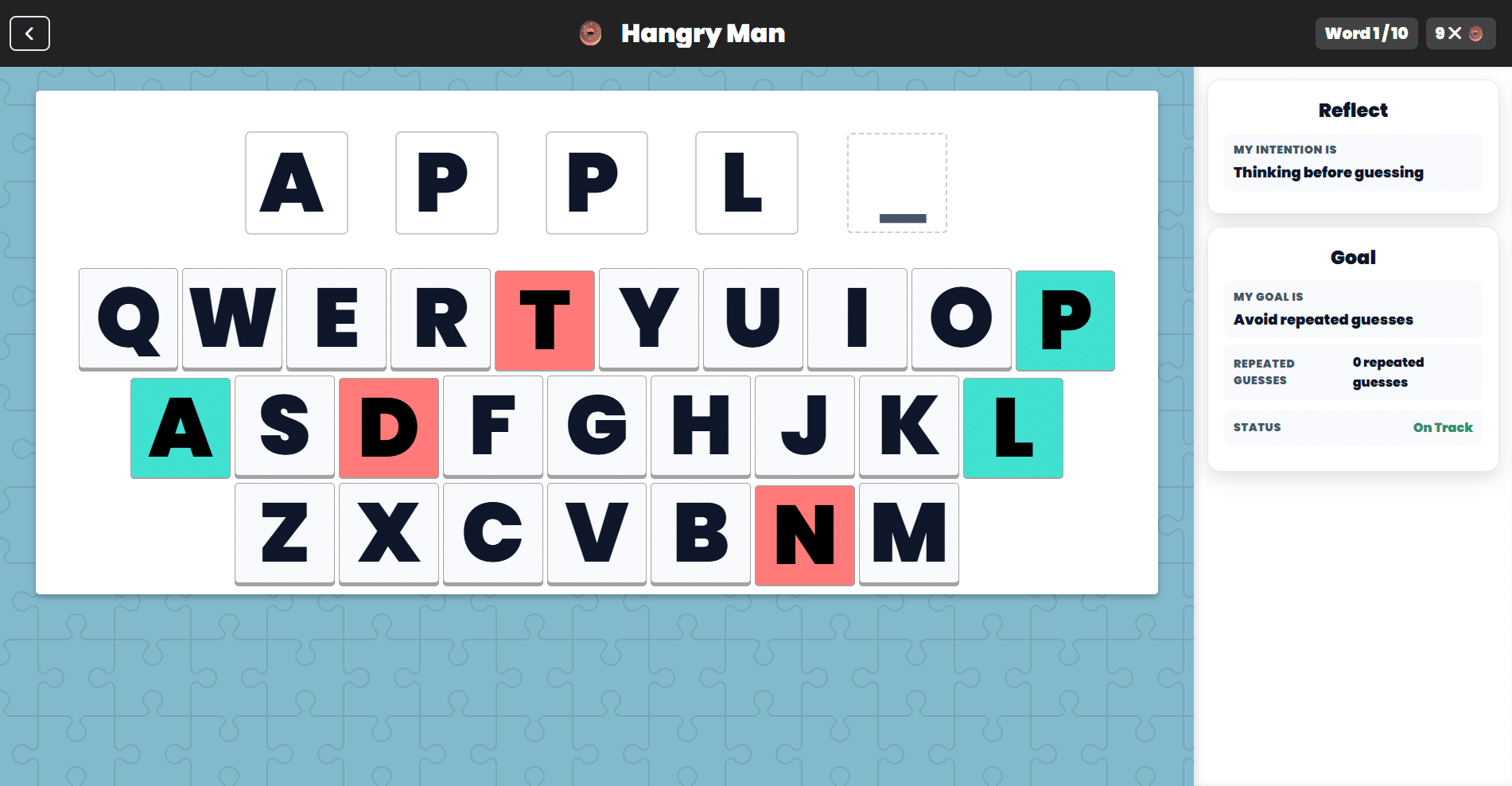
Logic starts with games students enjoy, then adds more ways to support learning. Students can play, explore how actions affect outcomes, reflect on how they approached a challenge, and work toward goals during play.

For teachers, that means Logic can support engagement, skill development, and follow-up in a way that feels more useful than gameplay alone.

Students stay engaged

Accessible games make practice more inviting and repeatable.

Learning goes beyond play

Experiment, reflection, and goal setting deepen the experience.

Progress is easier to track

Teachers get more to work with than completion alone.

Games that build real skills

Logic begins with games that are fun to play and worth coming back to. As students play, they plan, predict, remember, adjust, and build confidence through real interaction.

This is not passive screen time. Students are making choices, responding to challenges, and learning from what happens next.

More than gameplay

What makes Logic different is what happens around the game.

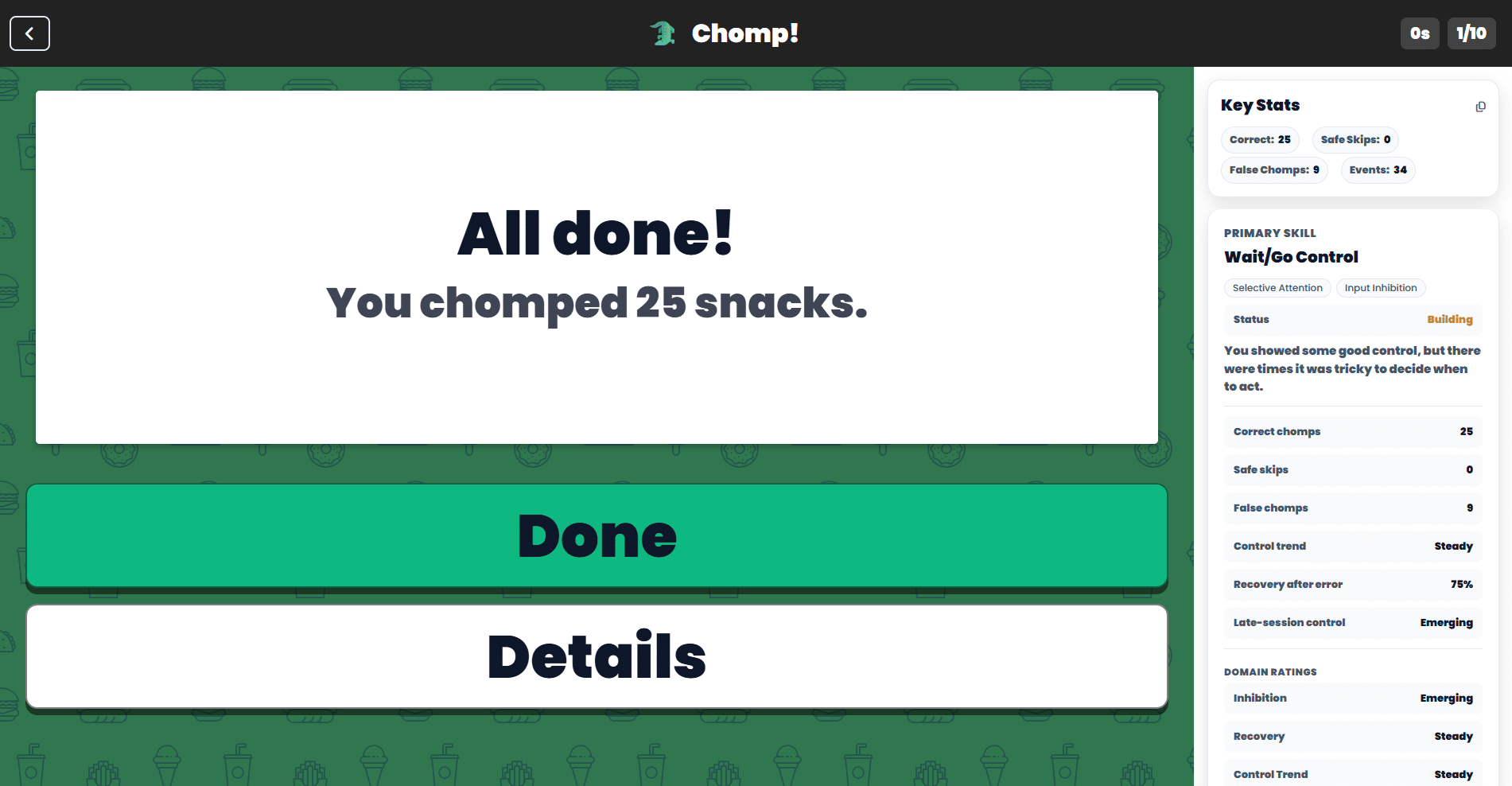
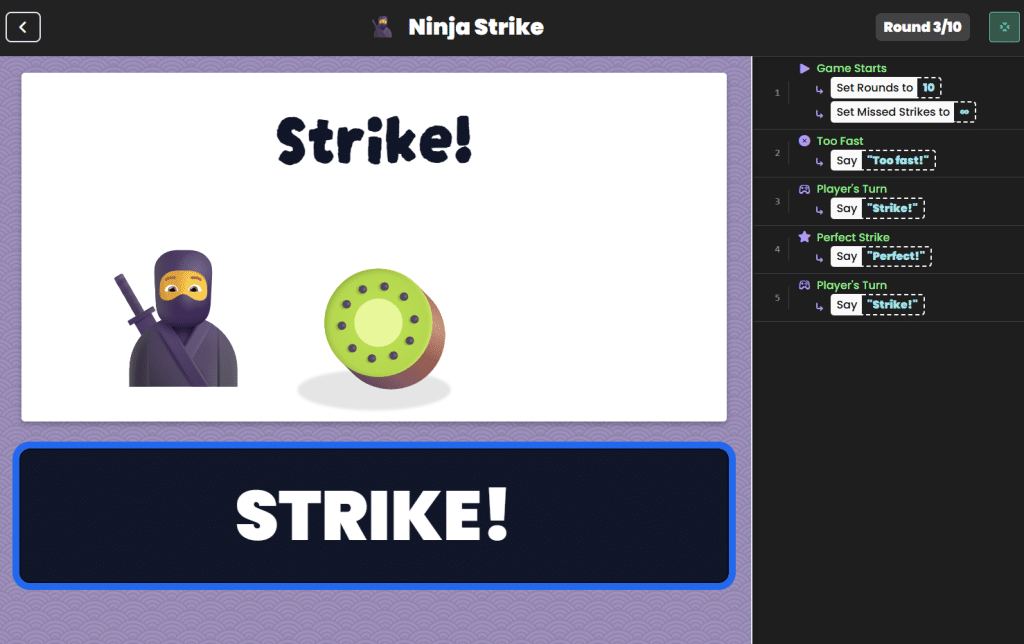
Students can explore how simple game logic affects outcomes. They can reflect on how they approached a challenge. Teachers can review performance in a way that supports observation, follow-up, and documentation.

That is what makes Logic more than a collection of accessible games. It is a learning and assessment tool built around games.

How Logic works

Play

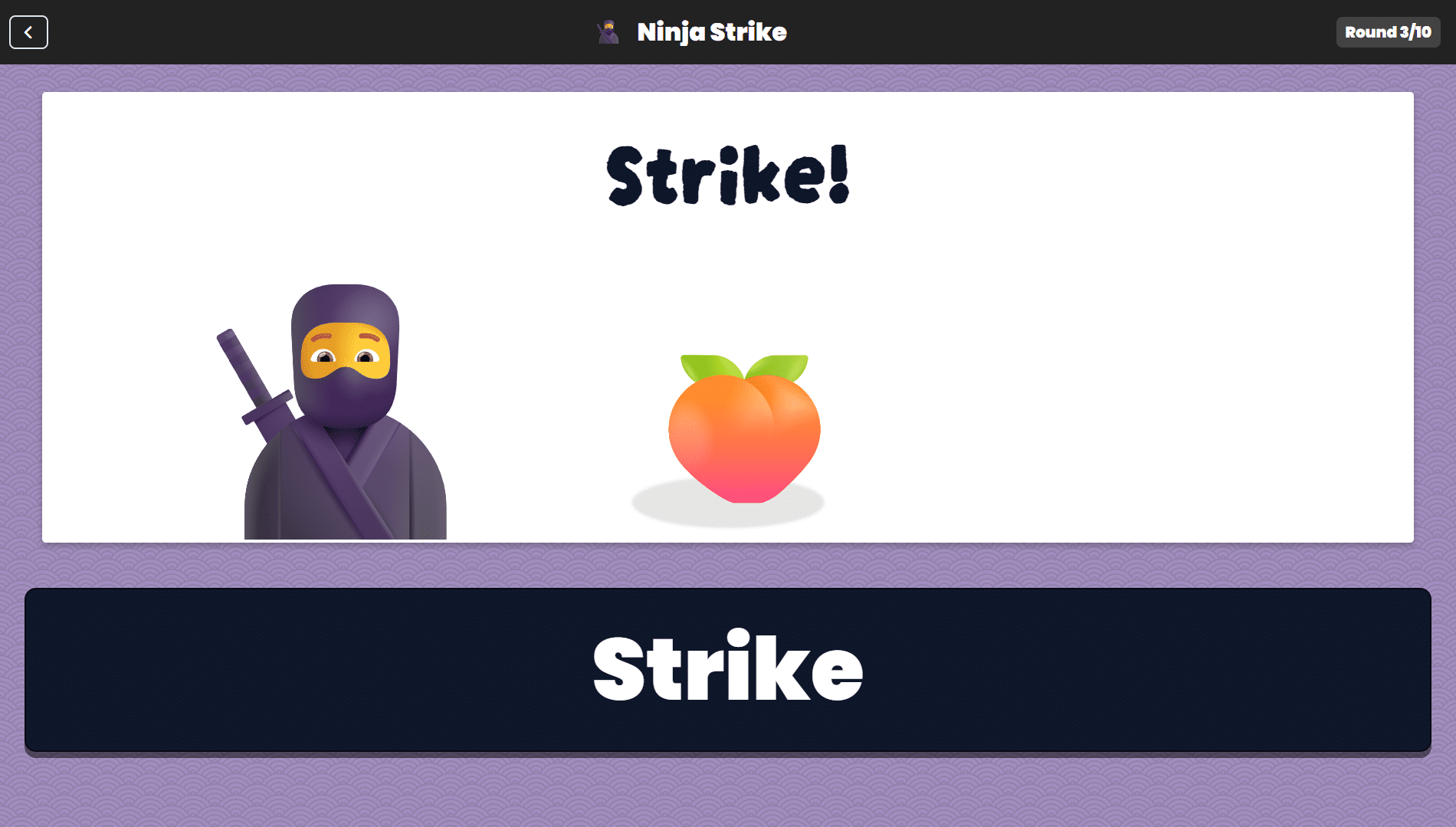
Students jump in, learn the game, and build skills through accessible interaction.

Experiment

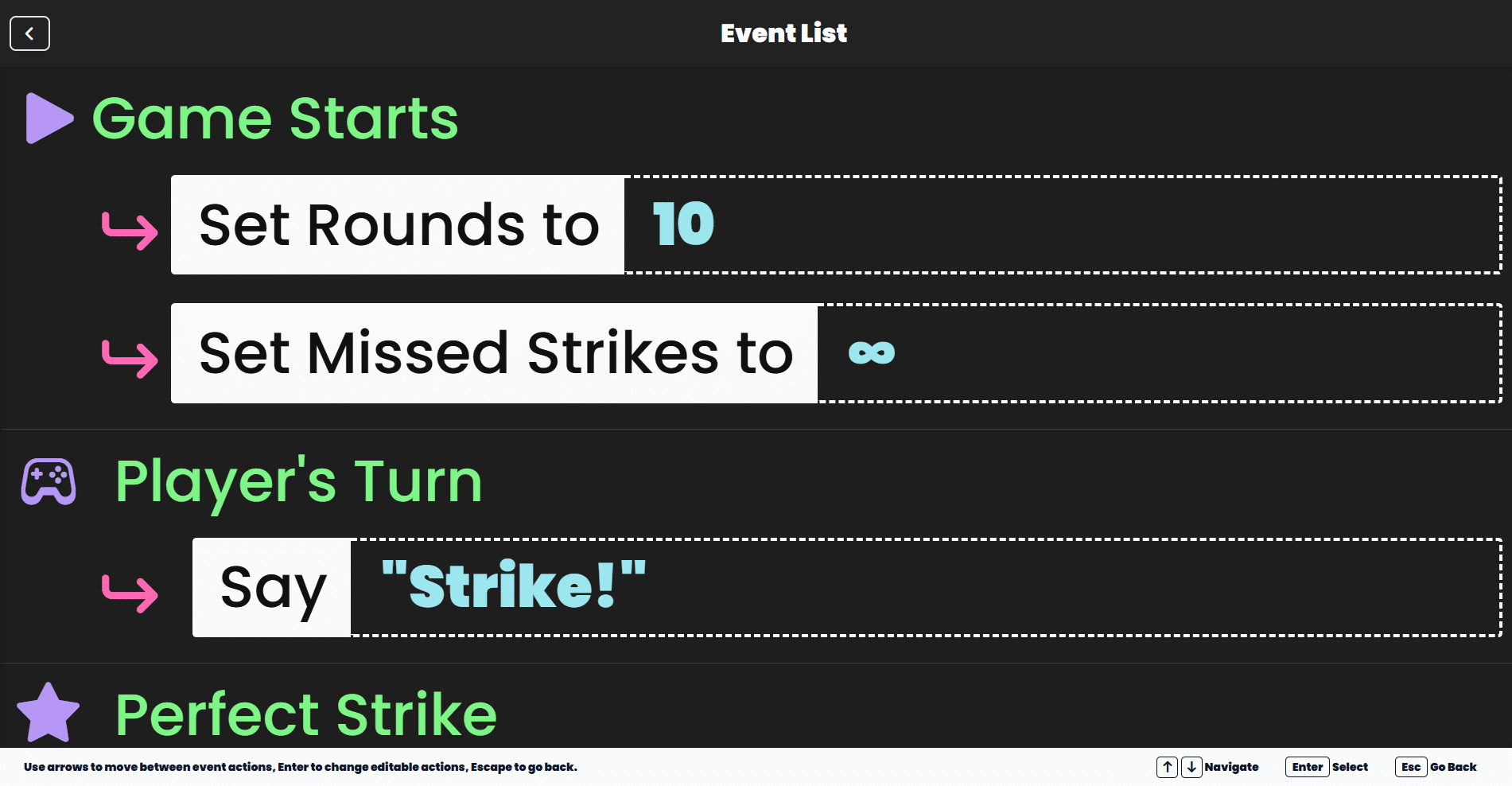
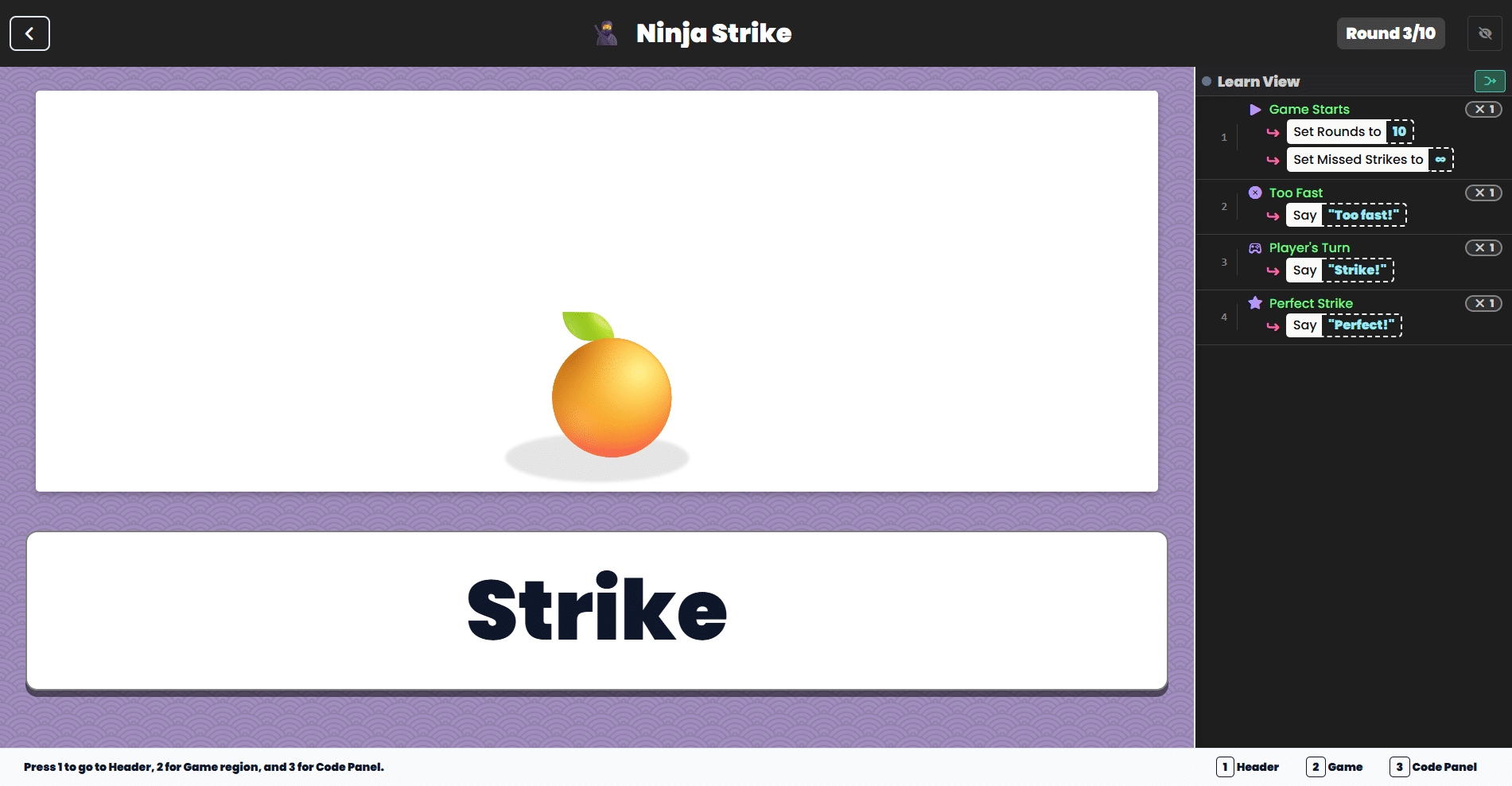
Students work with simple logic-based actions to see how changing one part of the game can change the outcome. This introduces early coding and problem-solving in a way that feels concrete and approachable.

Reflect

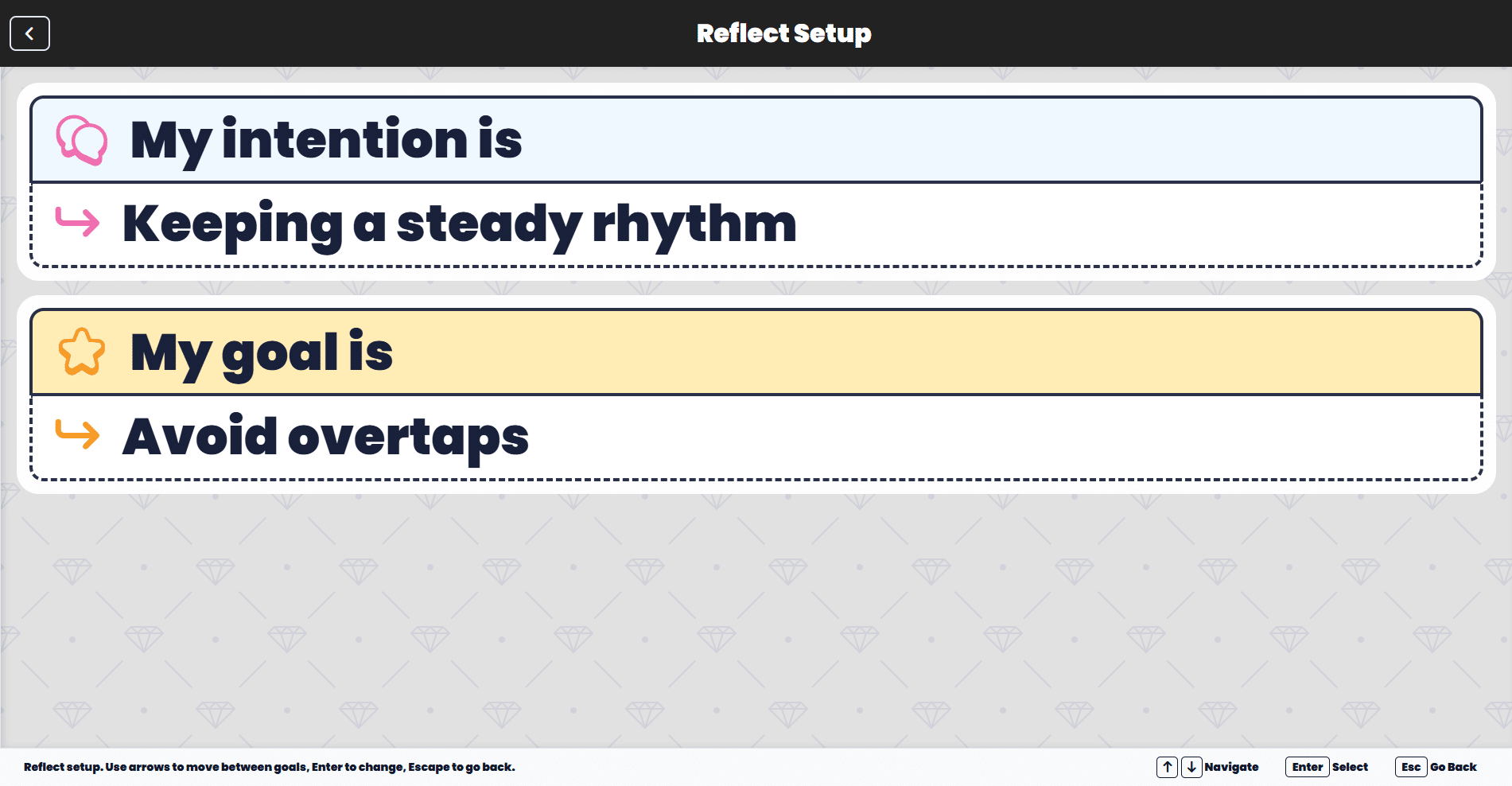
Students choose a personal intention and a game goal before they begin, helping connect gameplay with focus, persistence, and self-awareness.

Assess

Teachers get useful insight tied to real performance, not just completion. Logic supports reporting with meaningful performance details, interpretation, and next steps.

Designed for Accessibility

Accessibility isn't an afterthought. It's the foundation.

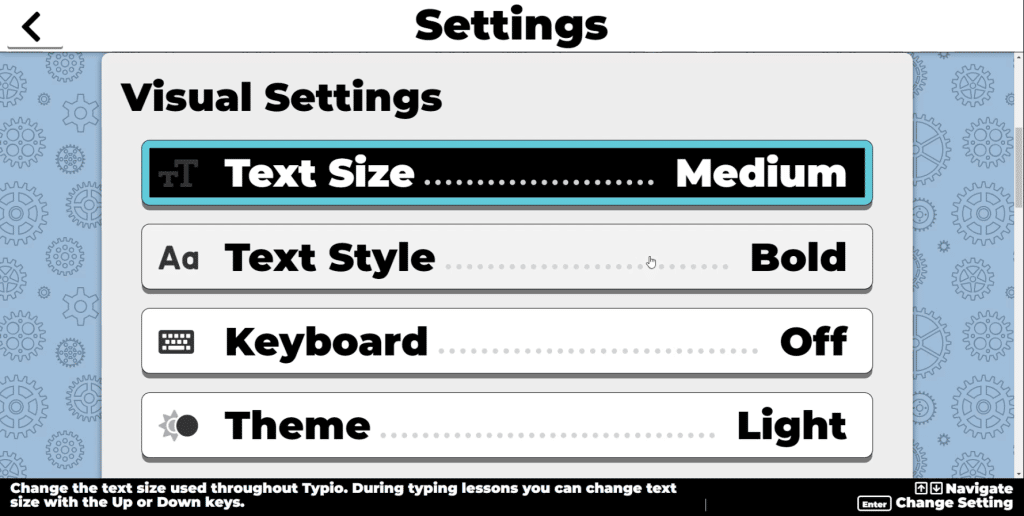
Accessibyte Logic is designed for students who use touch, mouse, keyboard, screen reader, braille display, or switch access. Built-in voice, simple navigation, and customizable visuals help reduce friction and support independent use.

Logic feels modern, usable, and inclusive because it was built that way from the beginning.

Typio settings screen showing text size, text style, keyboard, theme options.

Built for real educational settings

Logic is a strong fit for assistive technology instruction, skill-building, and educational environments where accessible participation matters.


It gives students a reason to stay engaged, while giving teachers something just as important: a clearer way to observe how a student engages, adapts, persists, and improves over time.

Why schools should choose Accessibyte Logic

Accessibyte Logic combines engaging games, accessible design, early coding concepts, reflection, and teacher-friendly assessment in one system.


Students play with purpose. Teachers gain better visibility. Schools get a tool that supports both engagement and meaningful progress.

Play the game.
Explore the logic.
Reflect on the approach.
Assess the growth.

Play the game.

Explore the logic.

Reflect on the approach.

Assess the growth.

Try it today!

Try Accessibyte today!

Online Learning Platform

Try our entire online platform for free and see what all the excitement is about.

Desktop Productivity Studio

Grab a free trial our all-in-one Windows app and simplify your digital world today.

Select a Plan

Typio

$69.95/year

Includes

Typio Online Icon

Typio

Have fun learning to type while raising your Typing Pet

All Access

$99.95/year

Includes

Typio Online Icon

Typio

Have fun learning to type while raising your Typing Pet

Quick Cards

A fast and accessible way to study with flashcards

Study Pack

Calc, Dictionary, To-Do, Notes, Reader and more.

Logic

Play, Experiment, Reflect, Assess with accessible games.

Typio Online Iconbraillio

Braillio

Learn to type braille without special hardware

School Edition

$79.95+/year

Accessibyte Studio

Typio Windows Icon
Simplified productivity in one easy, accessible app (Sold Separately)

Ways to Access Logic

  • Cloud-Based:  No installation required. Access Logic instantly from Chromebooks, PCs, Macs, tablets and specialty devices.
  • Easy Device Installation:  For users who prefer local access, simple installation instructions are provided.
  • Flexible Licensing: Affordable plans for individual learners, classrooms, schools or entire districts.
  • Standard Login:  Access through any browser.

  • Progressive Web App:  Install to desktop/home screen for an app experience.

  • 1-Click Login:  School Edition Teachers can create instant access links for students.

Features You'll Love

100% usable without vision or without hearing.

Also usable by sighted and hearing students.

No need for outside assistive technology.

Totally remote—log in from school or home.

Works with touch, mouse, keyboard, screen readers, braille displays, switch controls and more.

Compatible with almost any device.

Ease of Use

Accessibyte Logic is intuitive by design and fully supported with clear, step-by-step guides.

Still need help? Contact us.